 Spanish
  English
  Russian

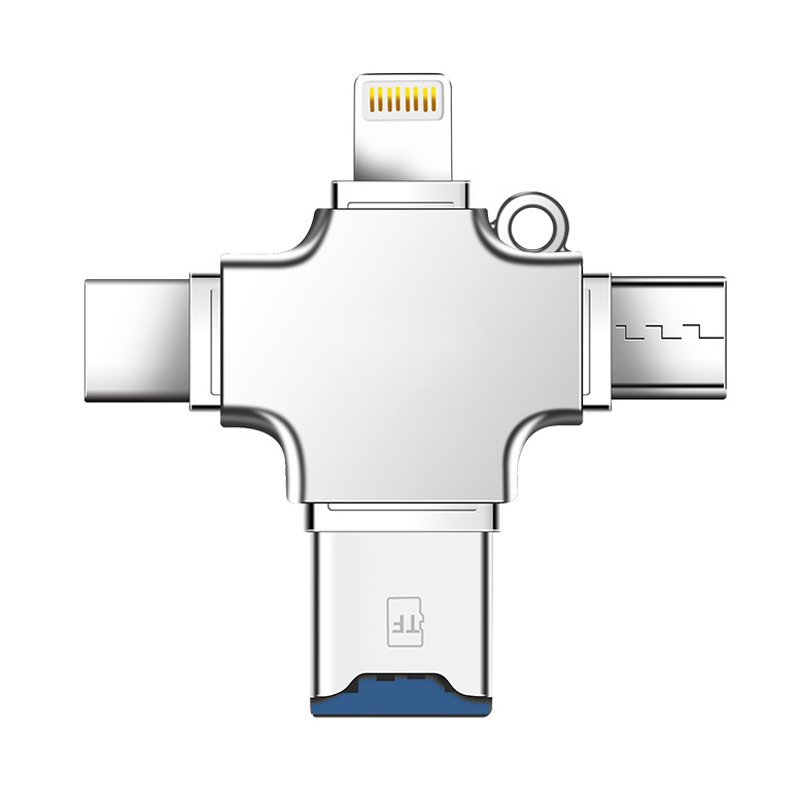
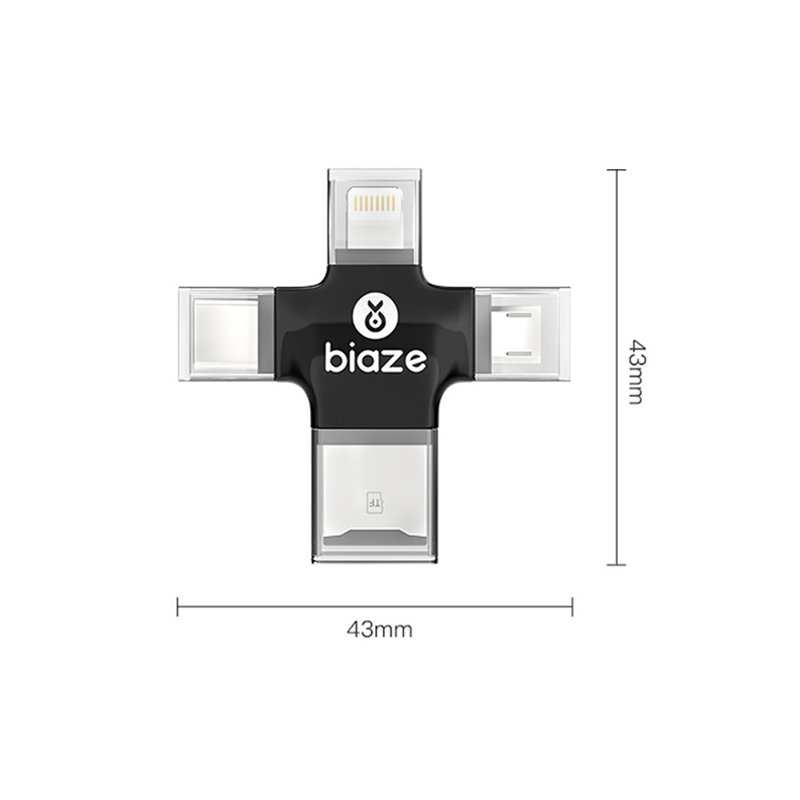

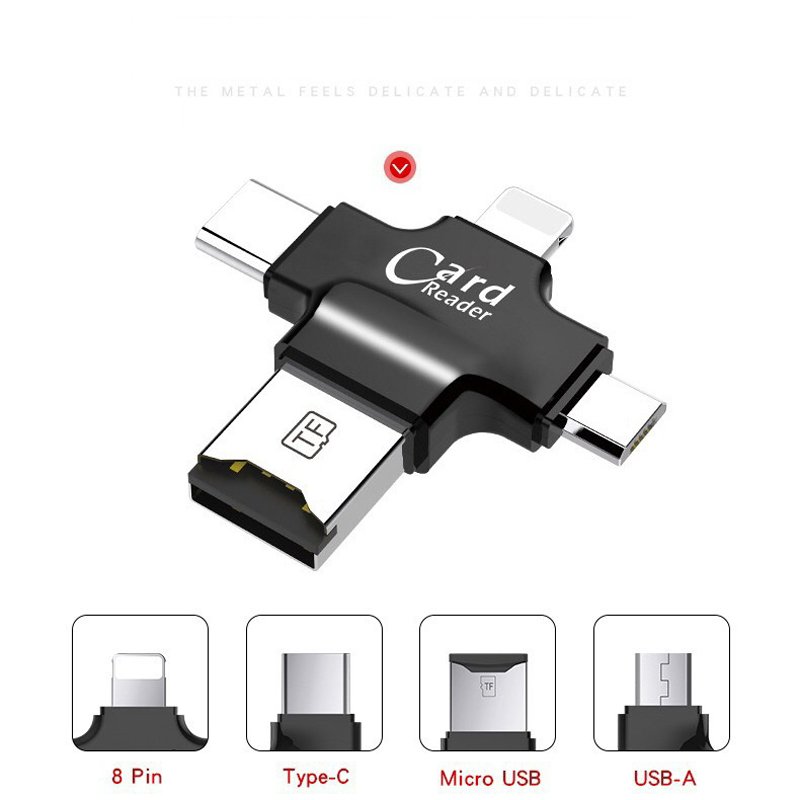
| Nombre del producto: | Four-port card reader |
| Product Color: | Black White |
| Material: | ABS |
| Support capacity: | 256G or less |
| Tamaño: | 43*43mm |
| Interfaz: | USB/Lightning/Micro/Type-C |
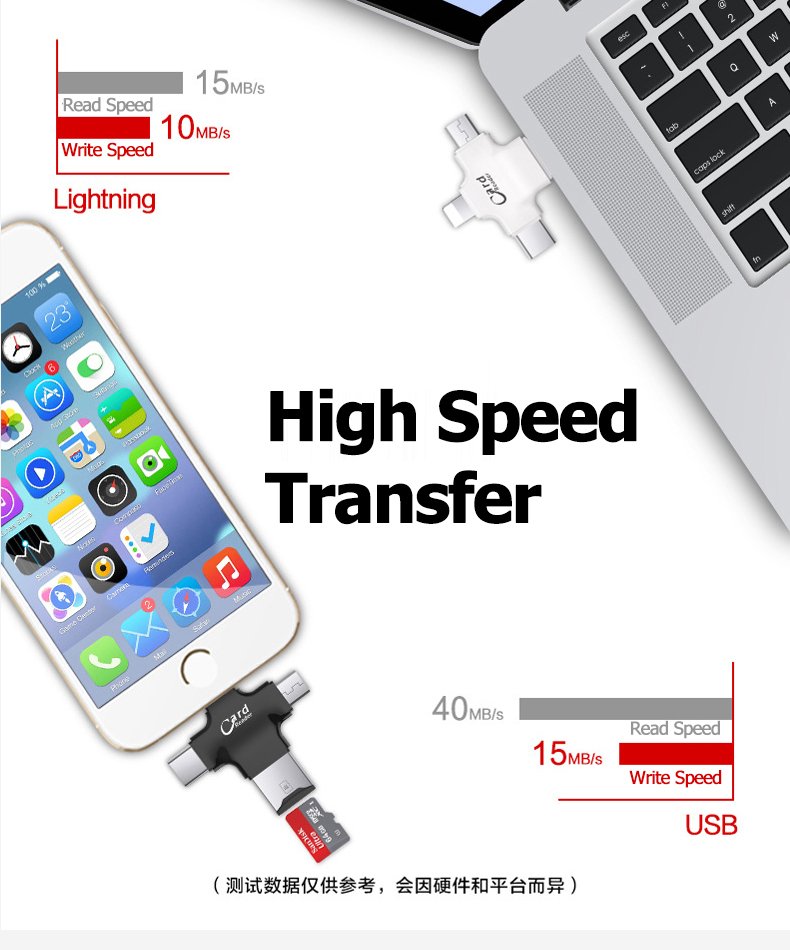
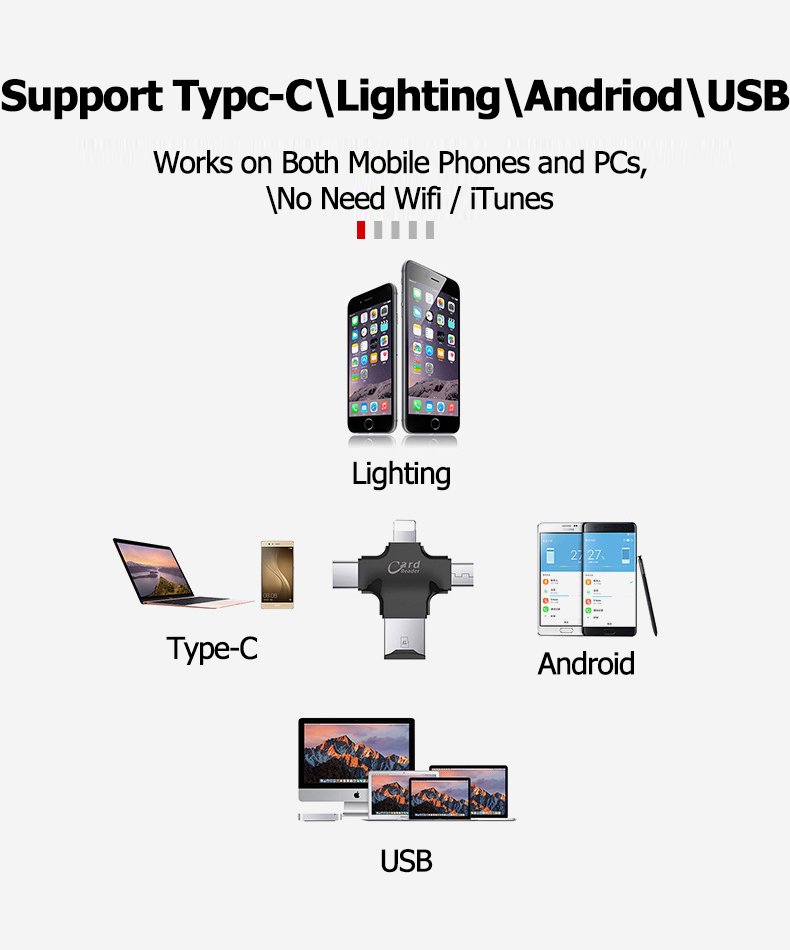
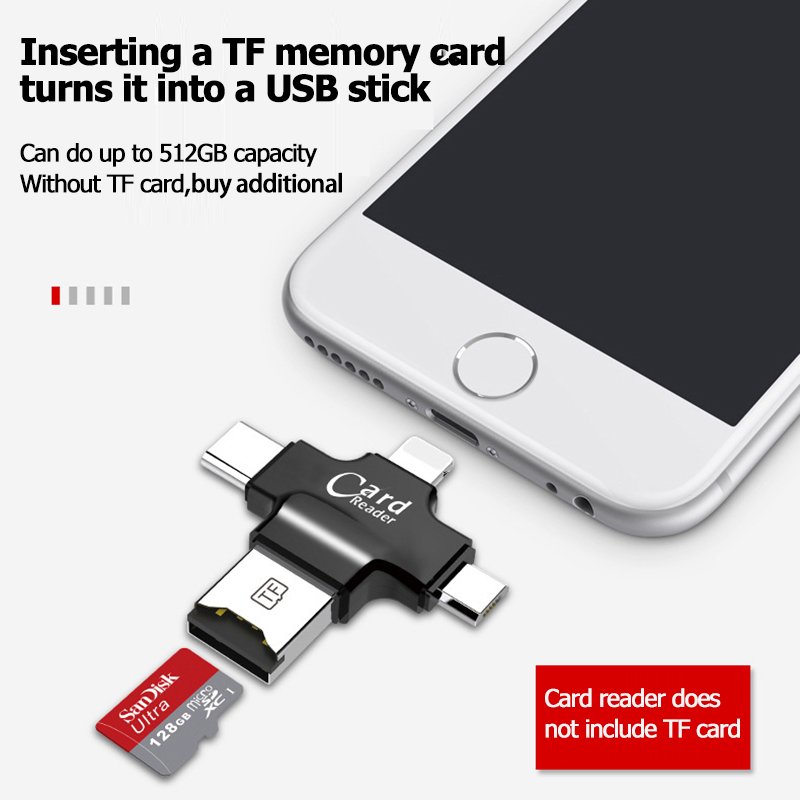
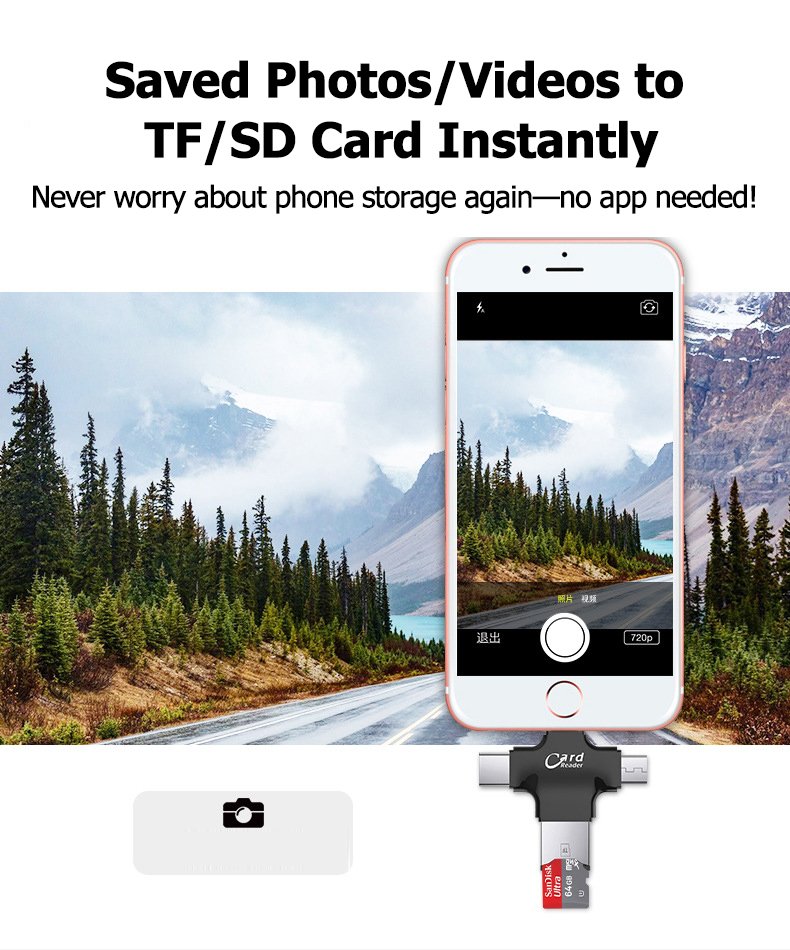
4-in-1 TF/microSD Card Reader: Universal Compatibility, High-Speed Performance
The 4-in-1 TF/microSD Card Reader is the ultimate solution for seamless data transfer across all your devices. With Type-C, USB, Micro, and Android compatibility, this compact and versatile card reader is designed to meet the needs of professionals, travelers, and everyday users alike. Here’s why it stands out:
- Universal Multi-Interface Support
This card reader features four integrated ports: Type-C, USB, Micro, and Android. Whether you’re using a modern laptop with Type-C, a traditional PC with USB, or an Android smartphone, this device ensures compatibility across all platforms. No more carrying multiple adapters—this all-in-one solution has you covered. - High-Speed Data Transfer
Equipped with USB 3.0 and Type-C technology, the card reader delivers blazing-fast transfer speeds of up to 5Gbps. Perfect for photographers, videographers, or anyone handling large files, it ensures your data moves quickly and efficiently. - Compact & Portable Design
Designed for on-the-go use, this card reader is lightweight and pocket-friendly. Its sleek, durable build makes it ideal for travel, allowing you to transfer files anytime, anywhere without the bulk. - Plug-and-Play Convenience
No drivers or software are required—simply plug in the card reader, and it’s ready to use. The hot-swappable design lets you switch between devices effortlessly, making it a hassle-free tool for multitaskers. - Durable & Reliable Build
Crafted with premium materials, this card reader is built to last. It’s resistant to wear and tear, ensuring long-term reliability even with frequent use.
Common Issues & Solutions for 4-in-1 Card Readers (Q&A Format)
Q1: My computer doesn’t recognize the card reader. What should I do?
A1:
- Check the USB connection:
- Ensure the USB connector is fully inserted into the USB port.
- Try a different USB port on your computer (preferably USB 3.0/3.1, often marked in blue).
- Test the card reader on another computer to rule out port issues.
- Update or install drivers:
- For Windows: Open Device Manager > Expand Universal Serial Bus controllers. If the card reader shows a yellow exclamation mark, right-click and select Update driver.
- For Mac: macOS usually auto-detects the device. If not, restart your Mac or check for system updates (Apple menu > System Preferences > Software Update).
- Hardware troubleshooting:
- If the issue persists, the card reader may be faulty. Contact customer support for repair/replacement.
Q2: The card reader detects the memory card but can’t read the data. How do I fix this?
A2:
- Reinsert the card:
- Remove the card, check for dust or debris in the slot, and reinsert it firmly (ensure the card’s gold contacts face downward).
- Test the card on another device:
- Insert the card into a camera, phone, or another card reader to confirm if the card itself is corrupted.
- File system compatibility:
- If the card is formatted in a system like exFAT (common for cameras), ensure your OS supports it.
- Warning: If prompted to format the card, back up data first (via another device) before proceeding.
Q3: Data transfer speeds are extremely slow. Why?
A3:
- Verify hardware compatibility:
- Use a USB 3.0/3.1 port (blue-colored) for faster speeds. Avoid USB 2.0 ports (black or white).
- Ensure the memory card supports high-speed transfers (e.g., UHS-I, Class 10, or V30 labels).
- Optimize your computer:
- Close unnecessary apps (e.g., cloud sync tools, antivirus scans) that may hog system resources.
- For large file transfers, use a direct connection instead of hubs or extensions.
- Test with a different card:
- Slow speeds may indicate a low-quality card. Try a high-end card (e.g., SanDisk Extreme, Samsung Pro Plus).
Q4: The memory card is stuck in the slot and won’t eject. How do I remove it safely?
A4:
- Check the write-protection lock:
- For SD/microSD cards: Slide the side lock to the “Unlock” position (▲ symbol).
- Gentle removal steps:
- Press the card slightly inward to trigger the spring mechanism, then release to let it pop out.
- Do NOT use force: Avoid tweezers or sharp tools. If stuck, contact support to avoid damaging the slot.
- Clean the slot:
- Use compressed air to blow out dust or debris that might block ejection.
Q5: The card reader gets very hot during use. Is this normal?
A5:
- Mild heat is normal:
- Slight warmth during data transfers is typical, especially with large files (e.g., 4K videos).
- Overheating warnings:
- Stop immediately if the reader is too hot to touch, smells burnt, or causes connection drops.
- Unplug the reader, let it cool, and test with shorter usage periods.
- Avoid prolonged use:
- For extended transfers, take breaks every 30–60 minutes to prevent overheating.
Pro Tips:
- Always eject the card safely via your OS (Right-click the drive > “Eject”) to prevent data corruption.
- Regularly clean the card slots with a soft brush or compressed air.
- Keep the reader away from liquids and extreme temperatures.
If issues persist, contact [Your Brand] Support at [email/phone] for further assistance.

Valoraciones
No hay valoraciones aún.