 English

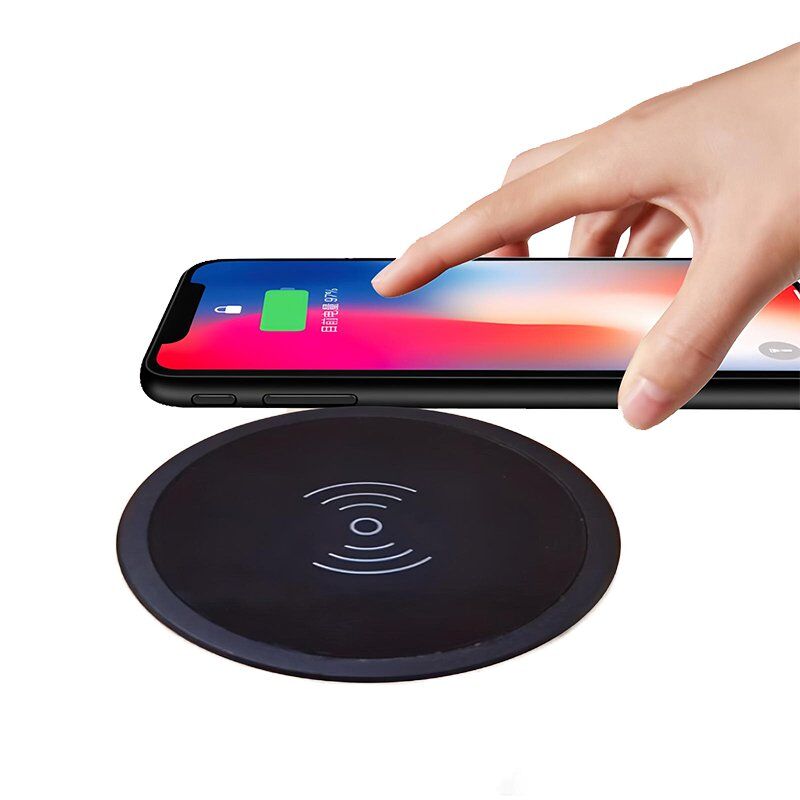
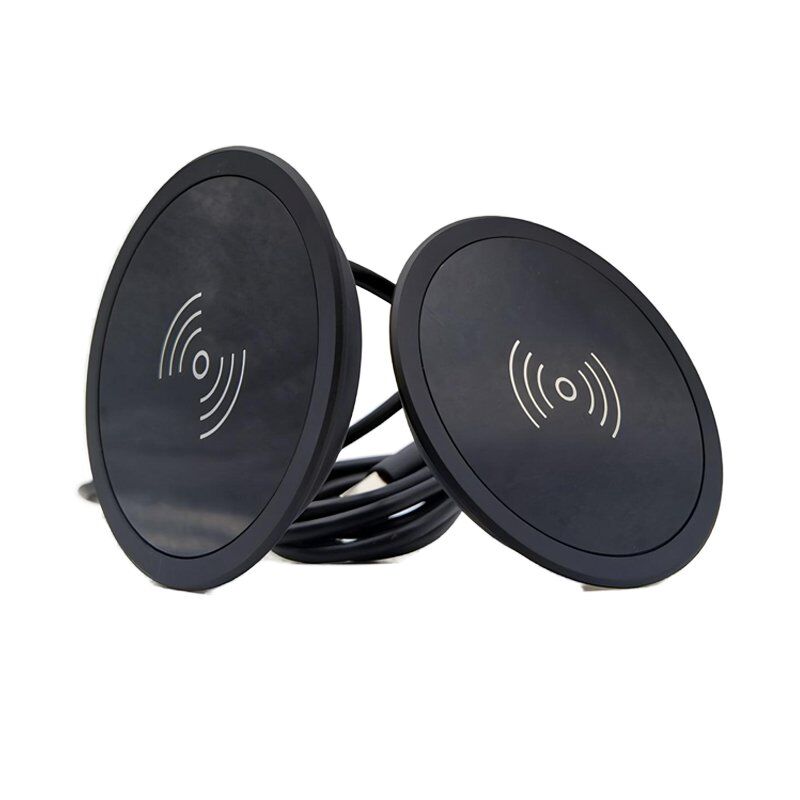
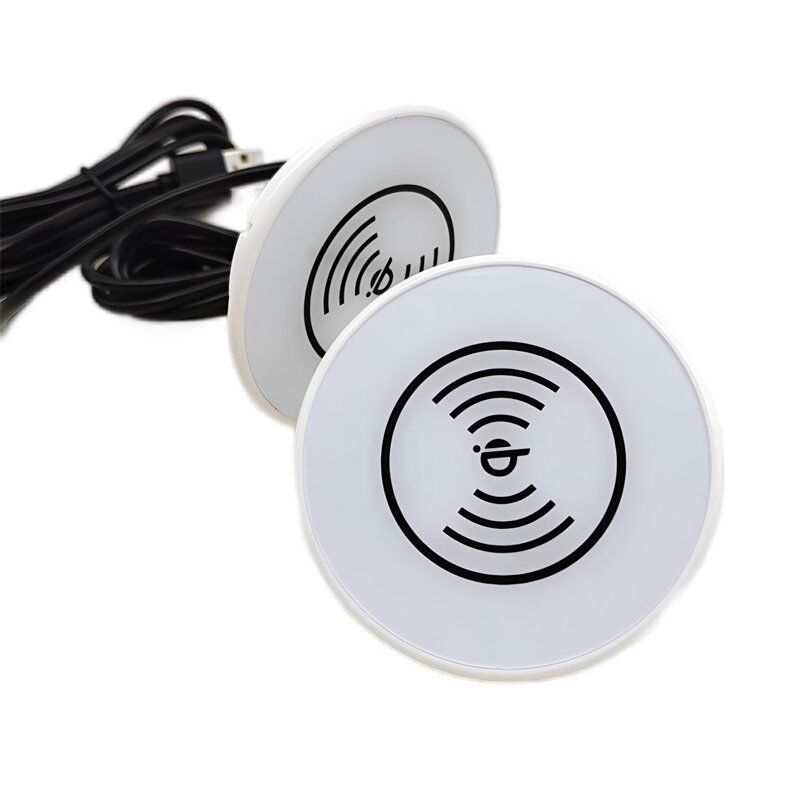
| Material: | ABS/PC Product Standard: Qi Standard |
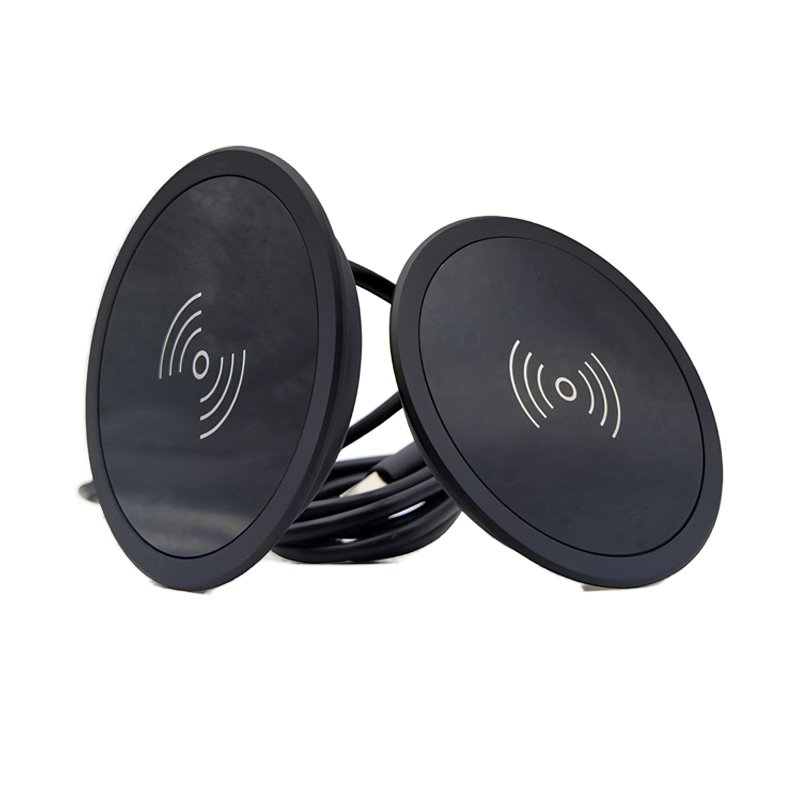
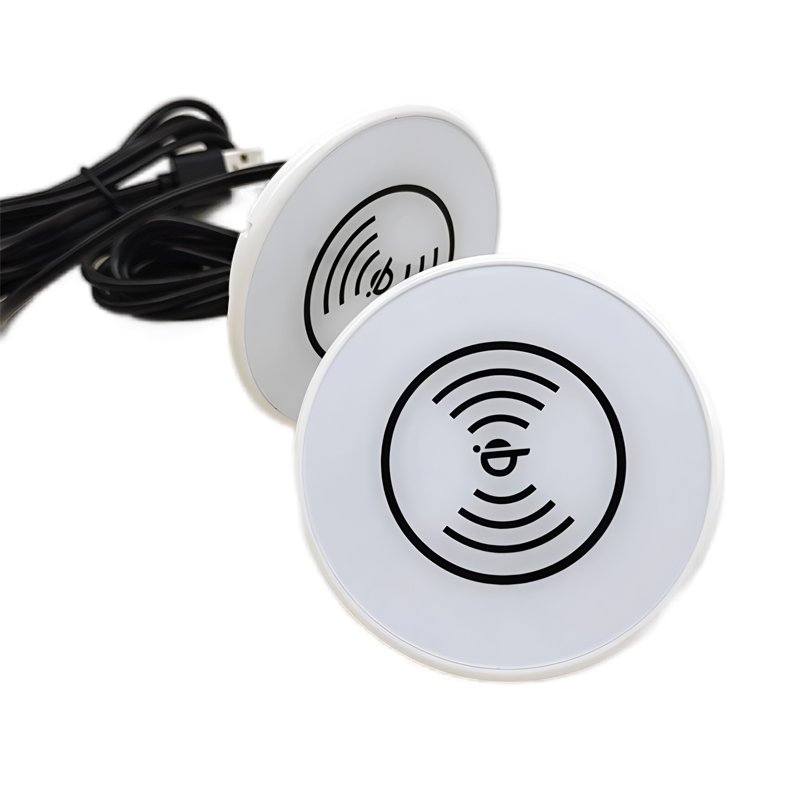
| Power: | 15W Color: Black and White |
| Input Voltage/Current: | 5V-2A / 9V-1.67A Charging Voltage/Current: 5V-1A / 9V-1.2A |
| Charging Frequency: | 110-205KHz Charging Distance: ≤8mm |
| Charging Efficiency: | >73% Product Certifications: CE / FCC / RoHS |

What is an Under Desk Wireless Charger?
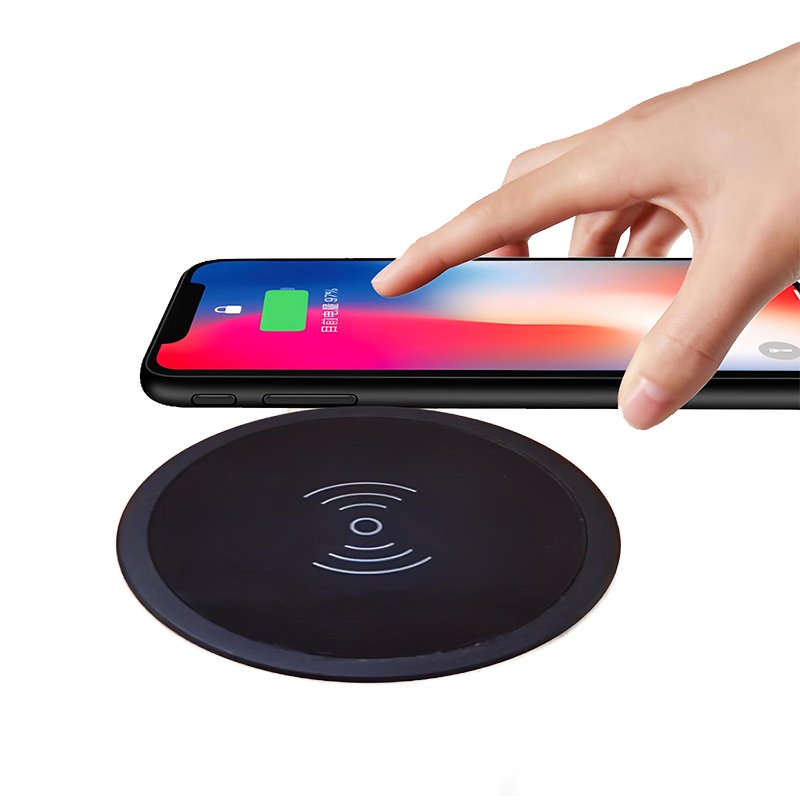
An Under Desk Wireless Charger is a hidden charging solution designed to be discreetly mounted beneath office desks, conference tables, or nightstands. Using magnetic adhesion, screws, or adhesive strips, it installs seamlessly under surfaces and supports the Qi wireless charging standard. Simply place compatible devices (phones, earbuds, etc.) on the desktop’s marked area to charge—eliminating visible cables and maintaining a clutter-free workspace.
Key Advantages
- Sleek Aesthetic: Completely hidden design preserves minimalist interiors.
- Fast & Convenient: Delivers 10W-15W rapid charging, compatible with most smartphones.
- Multi-Scenario Use: Ideal for offices, homes, or shared spaces; supports custom branding (e.g., corporate logos).
- Safety & Durability: Features overcharge protection, temperature control, and fire-resistant materials.
- China Supply Chain: OEM/ODM customization options; Chinese factories offer cost-effective mass production solutions with quick turnaround.
Perfect for professionals and design-conscious users, this charger blends cutting-edge tech with practicality.
Embedded Wireless Charger (Desk-Mounted Invisible Type) Installation Guide

The following drill-free, screw-free minimalist installation process applies to bedside tables, bars, workstations, and more:
Step 1: Unbox Components
Remove the wireless charger unit and power cable from the packaging (no screws or mounting templates required)12.
Inspect the charger surface for damage and confirm Qi protocol compatibility with your device35.
Step 2: Select Scenario and Position Charger
Applicable Scenarios:
Bedside table: Place near the edge for nighttime convenience.
Bar countertop: Hide discreetly to maintain a clean leisure area.
Office/meeting desk: Integrate into the surface to boost productivity.
Installation:
Embed the charger directly into a pre-cut hole (ensure hole dimensions match the product)36.
Press the edges gently to align flush with the surface (some models feature magnetic or adhesive backing for tool-free fixation)12.
Step 3: Connect Power Cable
Thread the cable through the underside of the desk and plug it into the charger’s port (align with foolproof design)34.
Secure excess cable along desk legs or edges using zip ties or cable channels for a tidy setup57.
Step 4: Power Test & Usage
Turn on the power and check the indicator light (steady white/blue = standby)37.
Place your device flat on the charging zone to activate wireless charging (indicator blinks or changes color)34.
Multi-Scenario Tips
Bedside table: Pair with night-light functionality (if supported) for ambient lighting during charging3.
Bar countertop: Opt for waterproof models (IP54 or higher) to withstand spills3.
Notes
No fixation needed: Precision-cut holes allow friction-based stability. For added security, use removable nano double-sided tape12.
Safety: Keep cables away from high-temperature or damp environments, and avoid sharp bends35.
Maintenance: Wipe the charging surface regularly with a slightly damp cloth to prevent dust buildup37.
Complete installation in 1 minute and enjoy seamless, clutter-free charging!


Reviews
There are no reviews yet.